
Introduction
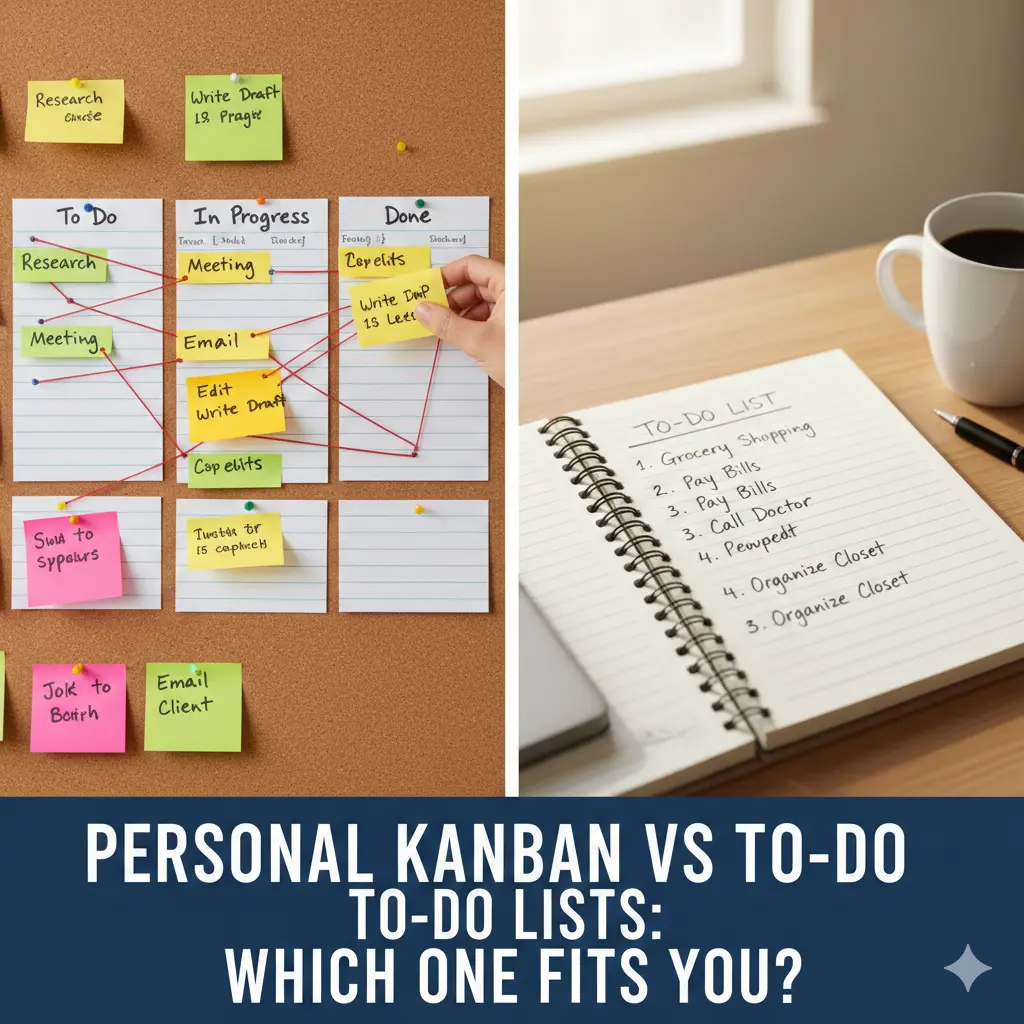
Personal Kanban vs To-Do Lists: Which One Fits You? focuses on visual flow and work-in-progress limits, while to-do lists focus on task capture and reminders. The better option depends on how you think, not how busy you are.
Many people bounce between productivity systems, hoping the next app or method will finally “stick.” Often, the issue isn’t discipline or motivation—it’s a mismatch between thinking style and planning method.
This article breaks down personal Kanban vs to-do lists in practical terms. You’ll learn how each system works, where people misuse them, and how to choose (or combine) them based on how your brain naturally processes work.
What a To-Do List Is Really Good At
To-do lists excel at capture.
They help you:
Remember tasks
Offload mental clutter
Track commitments
From real usage, to-do lists are comforting because they feel complete. Everything is written down. Nothing is forgotten.
Where To-Do Lists Struggle
Prioritization
Visual overload
Task accumulation without completion
[Expert Warning]
A long to-do list can increase anxiety even when you’re making progress.
What Personal Kanban Is Really Good At
Personal Kanban focuses on flow, not storage.
It typically uses columns like:
To Do
Doing
Done
The key feature is Work-In-Progress (WIP) limits—you restrict how many tasks can be in “Doing” at once.
From practical experience, Kanban reduces overwhelm because it forces you to finish before starting more.
Side-by-Side Comparison Table
| Aspect | To-Do Lists | Personal Kanban |
| Primary strength | Capturing tasks | Managing flow |
| Visual clarity | Low–medium | High |
| Overwhelm risk | High when list grows | Lower due to WIP limits |
| Best for | Remembering tasks | Completing tasks |
| Common failure | Endless lists | Over-customization |
This table shows why neither system is “better” universally.
Common Mistakes (And How to Fix Them)
Mistake 1: Treating Kanban Like a Fancy To-Do List
Fix: Enforce WIP limits strictly.
Mistake 2: Using To-Do Lists Without Priorities
Fix: Pair lists with daily limits (like the 1-3-5 rule).
Mistake 3: Over-Designing Kanban Boards
Fix: Fewer columns, clearer flow.
[Pro-Tip]
If managing the system takes more energy than doing the work, simplify immediately.
Information Gain: Why Visual Flow Reduces Mental Load
Most articles talk about organization.
What they miss is cognitive visibility.
The brain processes visual progress faster than written lists. Seeing tasks move to “Done” creates closure and momentum. This explains why Kanban often feels calmer—even with the same workload.
This psychological effect is rarely explained clearly in top SERP content.
Unique Section: Myth vs Reality
Myth: Kanban is only for teams
Reality: Personal Kanban often works better solo
Myth: To-do lists are outdated
Reality: They work well for capture, not execution
How to Choose the Right System for You
Choose a To-Do List If:
You forget tasks easily
You prefer linear thinking
Your work changes frequently
Choose Personal Kanban If:
You feel overwhelmed by long lists
You start many tasks but finish few
You think visually
Hybrid Approach (Often Best)
To-do list → capture everything
Kanban board → execute selectively
[Money-Saving Recommendation]
Sticky notes on a wall can outperform expensive planning software when used intentionally.
Real-World Scenario: Freelancer Switching Systems
A freelancer juggling projects and admin work struggled with endless to-do lists. Switching to a simple three-column Kanban board with a WIP limit of three tasks reduced stress and increased completion rates within one week—without changing workload.
This illustrates how structure beats motivation.
Embedded YouTube (Contextual & Playable)
For a simple visual explanation of personal Kanban in daily work:
🔗 https://www.youtube.com/watch?v=Cdj0Z1kSBOQ
(This video shows how to apply Kanban personally, not just in teams.)
FAQ
Is personal Kanban better than a to-do list?
It depends on whether you struggle more with remembering tasks or finishing them.
Can I use both together?
Yes, and many people get the best results this way.
How many tasks should be in “Doing”?
Usually 1–3 is ideal.
Do I need special software for Kanban?
No. Physical boards work extremely well.
Why do to-do lists feel overwhelming?
They grow faster than completion, creating visual stress.
Conclusion
Personal Kanban and to-do lists solve different problems. Lists help you remember. Kanban helps you finish. When you choose based on how you think—not how busy you feel—planning becomes calmer, clearer, and far more effective.
