
Introduction
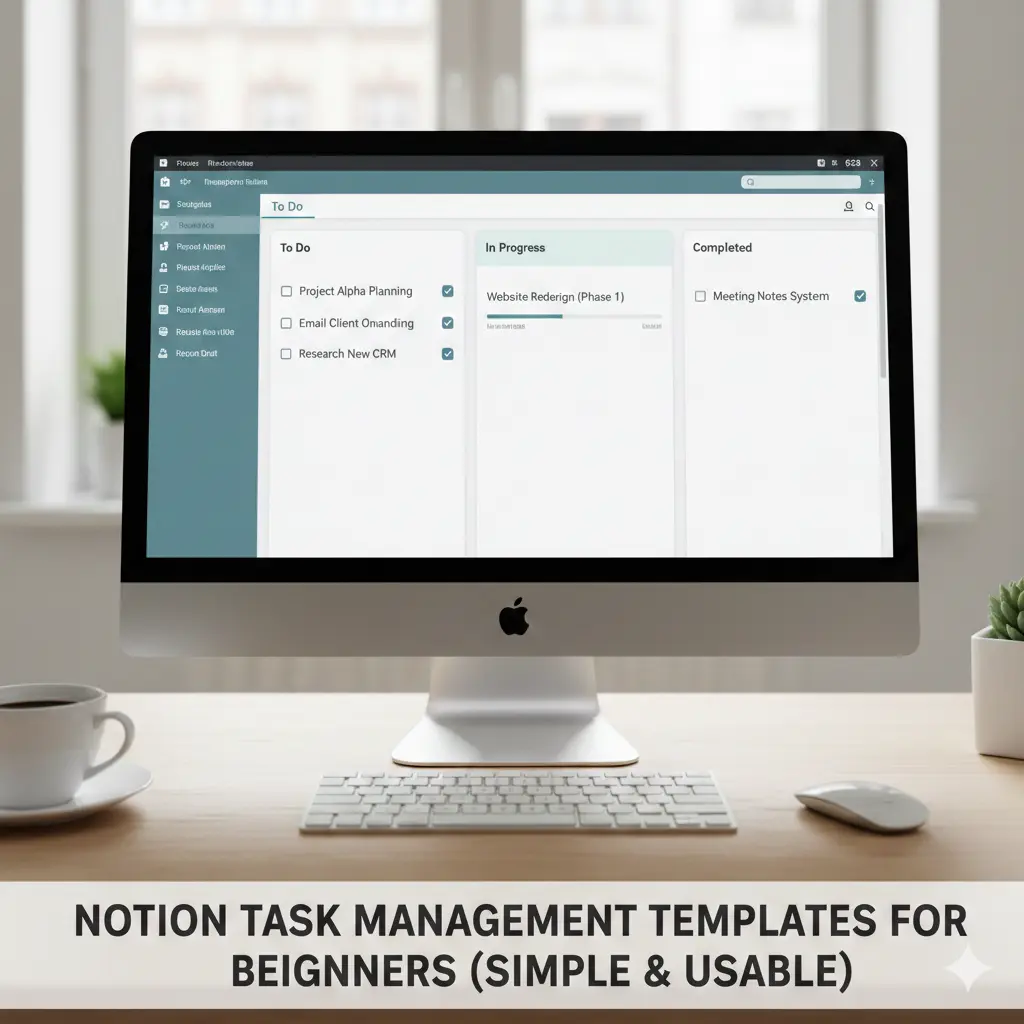
Notion Task Management Templates for Beginners work best for beginners when they stay simple, focus on daily clarity, and avoid complex databases. The right starter template should reduce friction—not turn planning into a project.
Notion attracts beginners with endless flexibility—and then quietly overwhelms them. Many people open Notion, duplicate a popular template, and feel productive for a day before abandoning it.
This guide shows how beginners can actually use Notion for task management. You’ll learn what makes a beginner-friendly template, which features to ignore, how to set up a simple system in minutes, and when Notion is—or isn’t—the right choice for managing tasks.
What Beginners Usually Get Wrong With Notion
The biggest problem isn’t Notion itself.
It’s starting too big.
Common beginner mistakes:
Using advanced dashboards immediately
Adding too many properties
Tracking things that don’t need tracking
From real usage, beginners succeed when they treat Notion as a notebook first, not a productivity command center.
[Expert Warning]
If building the system takes more time than using it, simplify immediately.
What a Beginner-Friendly Notion Task Template Looks Like
A good beginner template has:
One main task list
Minimal properties
Clear daily focus
Zero automation at the start
Recommended Core Properties
Task name
Status (To Do / Doing / Done)
Due date (optional)
Priority (optional)
That’s enough.
Simple Notion Task Template (Beginner Version)
| Property | Purpose |
| Task | What needs to be done |
| Status | Track progress |
| Due date | Optional deadlines |
| Priority | Daily focus |
This setup avoids the most common Notion trap: over-structuring before habit formation.
How to Use Notion Tasks Day to Day (Beginner Flow)
Step 1: Capture Tasks Quickly
Add tasks as they appear—don’t categorize yet.
Step 2: Choose Today’s Focus
Mark 1–3 tasks as “Doing.”
Step 3: Ignore the Rest
Not everything needs attention today.
From practical experience, Notion works best when used as a decision-support tool, not a performance tracker.
[Pro-Tip]
Your Notion task list should feel boring. Boring systems last.
Comparison Table: Notion vs Dedicated Task Apps (Beginner Lens)
| Aspect | Notion | Task Apps |
| Setup time | Medium–high | Very low |
| Flexibility | Very high | Limited |
| Daily friction | Medium | Low |
| Beginner risk | Overbuilding | Minimal |
| Best for | Thinkers, planners | Doers |
This explains why Notion feels powerful—but isn’t always practical for beginners.
Information Gain: Why Templates Often Fail Beginners
Most popular templates assume:
Clear workflows
Stable schedules
Strong planning habits
Beginners usually have none of these.
Templates fail because they introduce decisions before clarity. A successful beginner setup evolves slowly—one property at a time. This pacing issue is rarely explained clearly in top SERP content.
Unique Section: Beginner Mistake Most People Make
Beginners often believe:
“More structure = more productivity.”
In Notion, the opposite is often true.
From real usage patterns, people who start with one list and no dashboards stick with Notion longer than those who build complex systems on day one.
When Notion Is a Good Choice for Task Management
Notion works well if you:
Like writing things out
Reflect on tasks
Want notes and tasks together
Don’t need reminders constantly
It struggles if you:
Forget tasks easily
Need strong notifications
Want zero setup
[Money-Saving Recommendation]
Use Notion free. Don’t upgrade until you know exactly why you need it.
Embedded YouTube (Contextual & Playable)
For a beginner-friendly Notion task setup walkthrough:
🔗 https://www.youtube.com/watch?v=9O6fKxH7U0c
(This video shows a simple task list—not an advanced dashboard.)
FAQ
Is Notion good for task management beginners?
Yes, if you keep the setup simple.
Do I need templates to use Notion tasks?
No. A basic list often works better.
Why do Notion systems feel overwhelming?
Too many properties and views too early.
Should I use Notion instead of a task app?
Only if you prefer flexibility over automation.
How long before I customize my setup?
After at least 2–3 weeks of daily use.
Conclusion
Notion can be a powerful task manager—but only when beginners resist complexity. Start with one list, build habits first, and let structure grow slowly. The best Notion system is the one you actually use every day.
